Why use AI inside Google Workspace at all?
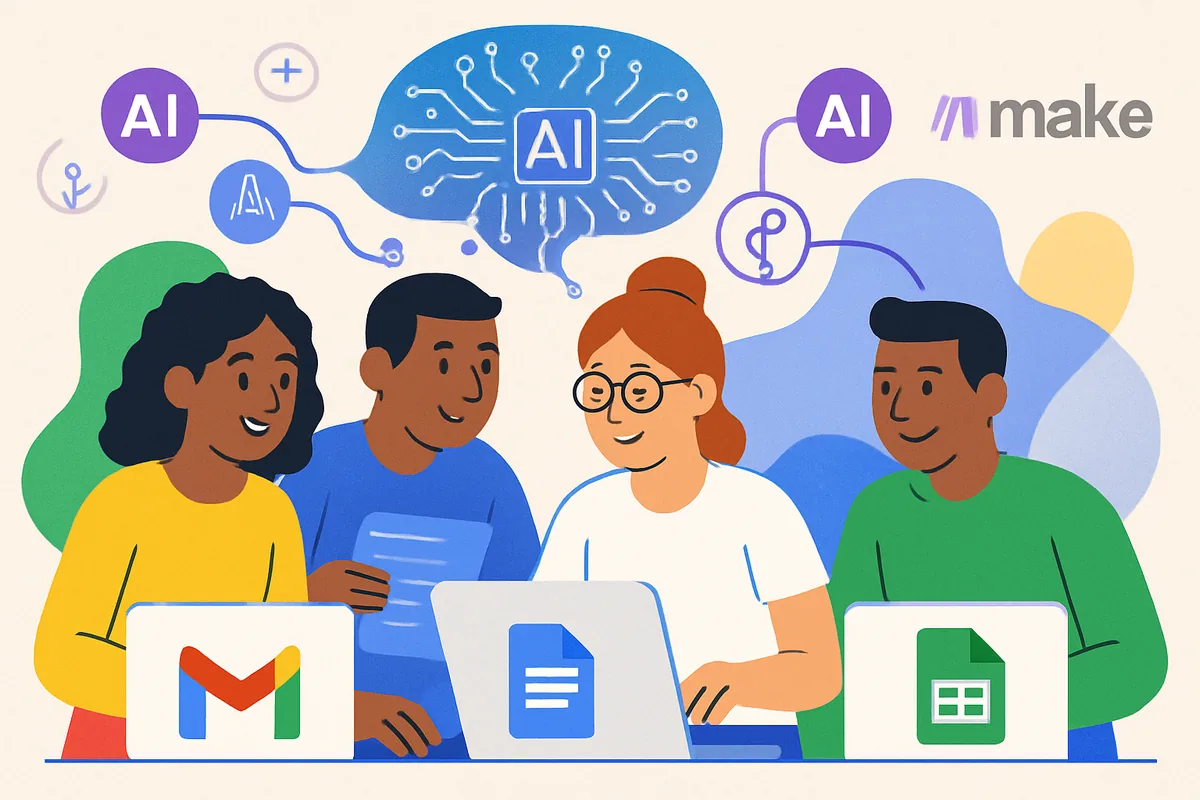
The main reason is that the AI meets you where you already work. Google Workspace apps like Gmail, Docs, and Sheets are part of many people's daily routine, so using their built-in AI means less friction than switching to a separate tool for writing help, summaries, or data analysis.
In practice that translates into saving time on repetitive writing, getting a starting draft when you are stuck, and pulling quick insights from a spreadsheet. If you are still weighing which AI tools deserve your attention, our guide to free vs paid AI tools pairs well with this one.
What AI features are already built into Workspace?
Google has folded AI into its Workspace apps, much of it running through its AI assistant, currently branded Gemini. You do not need to install anything extra to start; the features appear inside the apps themselves, though which ones you see depends on your account type and plan, and Google renames and reshuffles these features fairly often.
Writing help in Gmail
Gmail can suggest phrases as you type and offer quick replies to incoming messages, and the assistant can help draft a fuller email from a short instruction. These features are designed to reduce the time spent on routine correspondence rather than write anything you would not check.
Clarity and suggestions in Google Docs
Docs offers real-time spelling, grammar, and clarity suggestions that go beyond a basic checker, and the assistant can help draft or rewrite passages. It works best as an editor that flags issues and proposes improvements, with you making the final call on what to keep.
Data and charts in Google Sheets
Sheets can suggest charts, summarize patterns, and help you build formulas from a plain-language request. For beginners who find spreadsheets intimidating, describing what you want in words and letting the assistant propose a starting point lowers the barrier considerably.
Translation and captions in Slides
Google Slides can show translated captions of what you say during a presentation, which helps you reach an audience that speaks a different language without preparing separate materials. Caption and translation features appear in some other Google apps too, though availability varies, so check what your own account offers. As with any translation, review anything important for accuracy.
How do you turn these features on and start using them?
Most Workspace AI features are on by default or controlled in each app's settings, so the fastest start is simply to open Gmail or Docs and look for the assistant prompts and suggestion options. You do not need any technical setup to begin experimenting with the basics.
A sensible first session is to pick one task you do often, like replying to a common type of email or summarizing a long document, and try the built-in feature on it a few times. That focused practice teaches you where the assistant genuinely helps and where you still prefer to do the work yourself, which is more useful than trying every feature at once. Give it a week of light, low-pressure use before judging whether a given feature earns a permanent place in your routine, since the first attempt rarely shows a tool at its best.
How can you go beyond the built-in features with automation?
You go further by connecting Workspace to other apps with a no-code automation platform, which lets information flow between tools automatically. This is a separate layer from the built-in AI and is where repetitive, multi-step tasks can run without you touching them.
For example, you could have new email summarized and saved to a spreadsheet, route Google Forms responses through an AI service for a quick sentiment read, or send a notification when a new calendar booking arrives. Our no-code automation hub explains how these platforms connect Google Workspace to the rest of your tools, and our guide to AI tools you can try instantly is a gentle place to experiment before building anything permanent.
Does it matter whether you use a personal or a work account?
Yes, and it is one of the most important distinctions for AI in Workspace. A free personal Google account and a managed work or school account behave differently: on a managed account, an administrator controls which AI features are turned on and how data is handled, so what you can do is set by your organization, not just by you.
If you use Workspace through an employer or school, a few things follow. Some AI features you read about may be switched off at the organization level, and turning them on is an admin decision rather than a personal setting. Your organization may also have its own rules about what can be put into AI tools, so it is worth checking any internal policy before feeding work documents to an assistant. On a personal account you have more direct control, but also fewer of the extra data protections that come with a paid business plan. Knowing which type of account you are on tells you who sets the rules and where to look when a feature is missing. If you are on a work account and a feature you want is not available, the fastest path is usually to ask whoever manages your organization's Google settings rather than digging through your own preferences, since the control likely sits at the admin level.
What should you keep in mind about privacy and accuracy?
Keep two habits in mind: protect sensitive data and verify anything that matters. Paid Workspace plans include data-handling commitments, but you should still avoid pasting confidential information into AI features until you understand how it is treated, and always review important output rather than trusting it blindly.
AI suggestions are drafts, not verified facts, so a summary or a generated figure can be confidently wrong. A quick human check keeps small errors from slipping into emails, documents, and spreadsheets. For a fuller look at the privacy side of AI tools, our guide to AI data security covers what to watch for and which settings are worth changing.
Next step: to compare Workspace against other assistants and decide what belongs in your toolkit, visit our AI tools hub.