Claude Privacy and Safety: What Happens to Your Chats
A cautious beginner's guide to Claude privacy and safety: what to think about before pasting personal data, finding privacy controls, and deleting chats.
September 25, 2026
Plain-language AI safety guidance for families: explaining AI to kids, data privacy basics, senior scam awareness, and an honest answer to is AI dangerous.
Explain AI as a very well-read helper that predicts likely answers based on patterns it learned, not a thinking creature. An analogy that works well: it is like a student who read an enormous number of books and got very good at guessing what comes next, but does not actually understand things the way a person does.
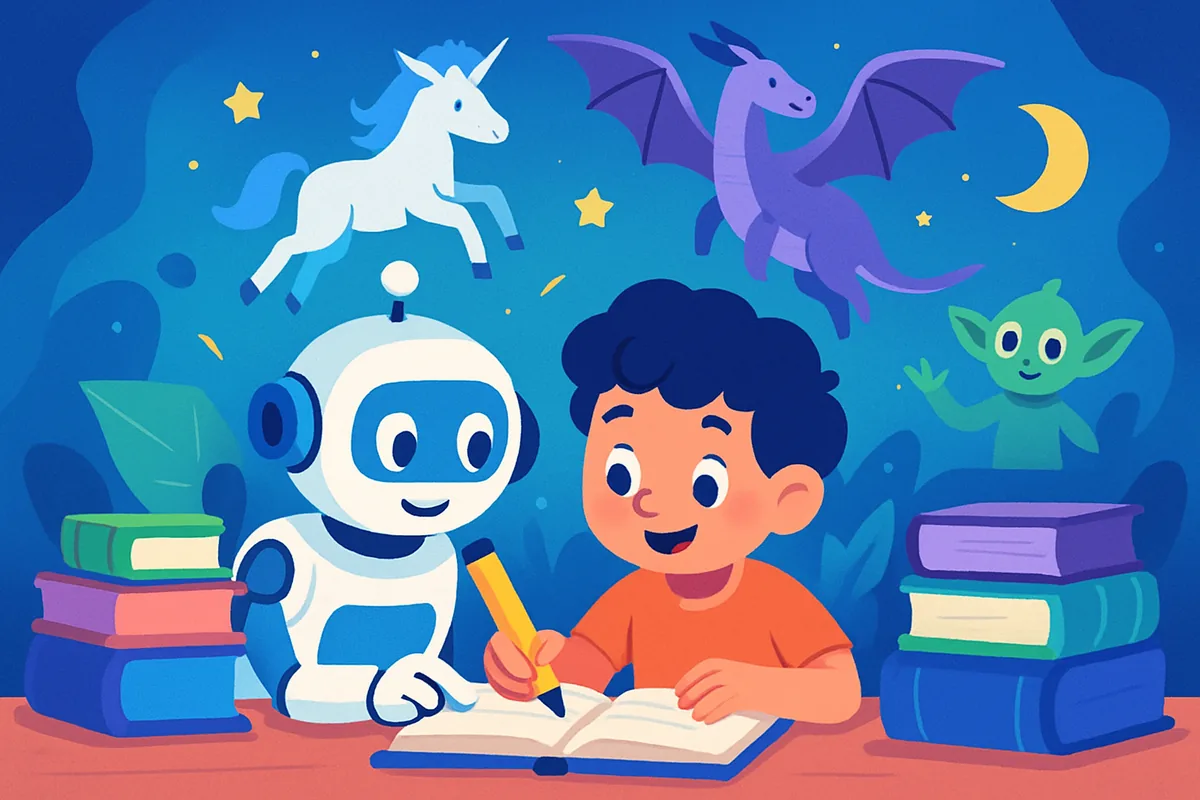
A short script you can use with a child: "AI is a computer program that learned by reading huge amounts of text and looking at huge amounts of pictures. It got really good at guessing what to say or draw next. It is not alive and it does not have feelings, even when it sounds friendly. It can also get things wrong, so we always check important facts together."
Our kid-friendly guide to artificial intelligence expands on this with more analogies and age-appropriate talking points if you want a fuller conversation guide.
Set clear rules around homework, chat companions, and image tools: AI can help explain and check work but should not replace understanding it, chat companions are not real friends and should not become a substitute for human connection, and image tools need supervision around what gets generated and shared.
For homework, a reasonable rule is that AI can help explain a concept or check an answer, but the actual learning and writing should be the child's own. Treat it like a tutor who is available anytime, not a shortcut that skips the work.
For chat companions, be aware that some AI apps are designed to feel like a friend or companion, which can be appealing to kids and teens looking for connection. It is worth talking openly about the difference between a helpful tool and a real relationship, and keeping an eye on how much time is spent there.
For image tools, set rules around what gets generated, especially anything involving real people's faces, and make sure kids understand that AI-generated images can be shared and misused just like any other image online.
In plain English, most AI chat tools may use what you type to improve their systems unless you turn that setting off, and nothing you paste should be treated as fully private. Check your privacy settings, and never paste passwords, financial account numbers, or other sensitive personal details into a chatbot.
Most major AI tools have a setting that controls whether your conversations can be used to improve their models. It is worth finding that setting in your account preferences and deciding deliberately rather than leaving it on the default.
A simple rule of thumb: if you would not want a conversation to end up in a company's training data or shown to a support agent, do not paste it into a chatbot. That includes passwords, full financial account details, medical records, and anything confidential from work. Our AI data security guide walks through specific settings worth checking across popular tools.
AI can genuinely help seniors with things like drafting messages, getting quick explanations, and staying connected with family, but voice-clone scams that mimic a relative's voice are a real and growing risk worth knowing about specifically.
Practical everyday uses include getting help writing emails or texts, asking a chat assistant to explain unfamiliar terms (medical, financial, or technical), and using voice assistants for reminders and simple tasks. Our guide to AI for seniors covers several of these in more detail.
On the scam side, be aware that AI voice-cloning tools can convincingly imitate a family member's voice from just a short audio clip, which scammers use to fake emergency calls asking for money. A good family safeguard is agreeing on a code word or a verification habit, like always calling the person back on their known number before acting on an urgent request.
AI is neither harmless nor an existential threat for most everyday users. The realistic risks are things like privacy exposure, misinformation, scams, and overreliance on tools that can be wrong, not the more dramatic scenarios often discussed in headlines.
For everyday use, the risks worth actually managing are: trusting incorrect information without checking it, oversharing personal data, encountering AI-generated misinformation or deepfakes, and scams that use AI to sound more convincing. These are manageable with basic awareness and healthy skepticism, not fear.
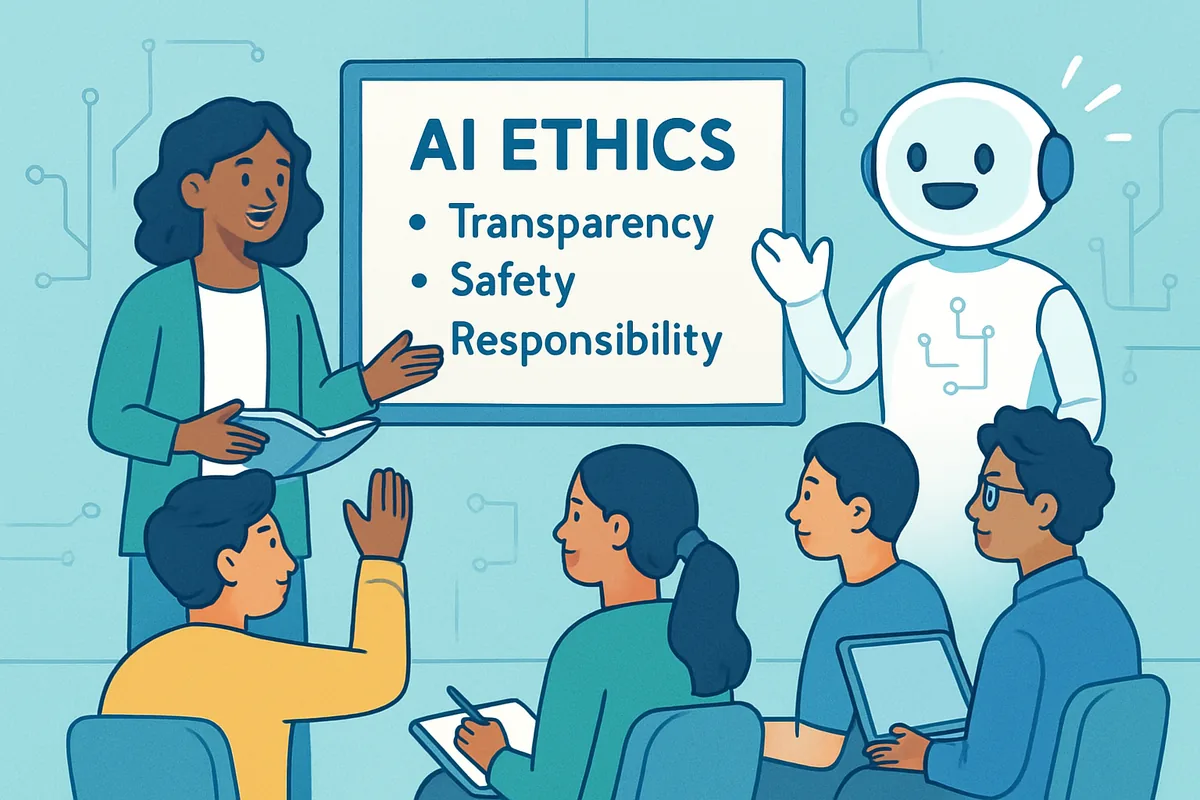
Our beginner's guide to AI ethics and risks goes deeper into the ethical questions, including bias and job displacement, and our roundup of common AI myths tackles some of the more sensational claims you may have heard directly.
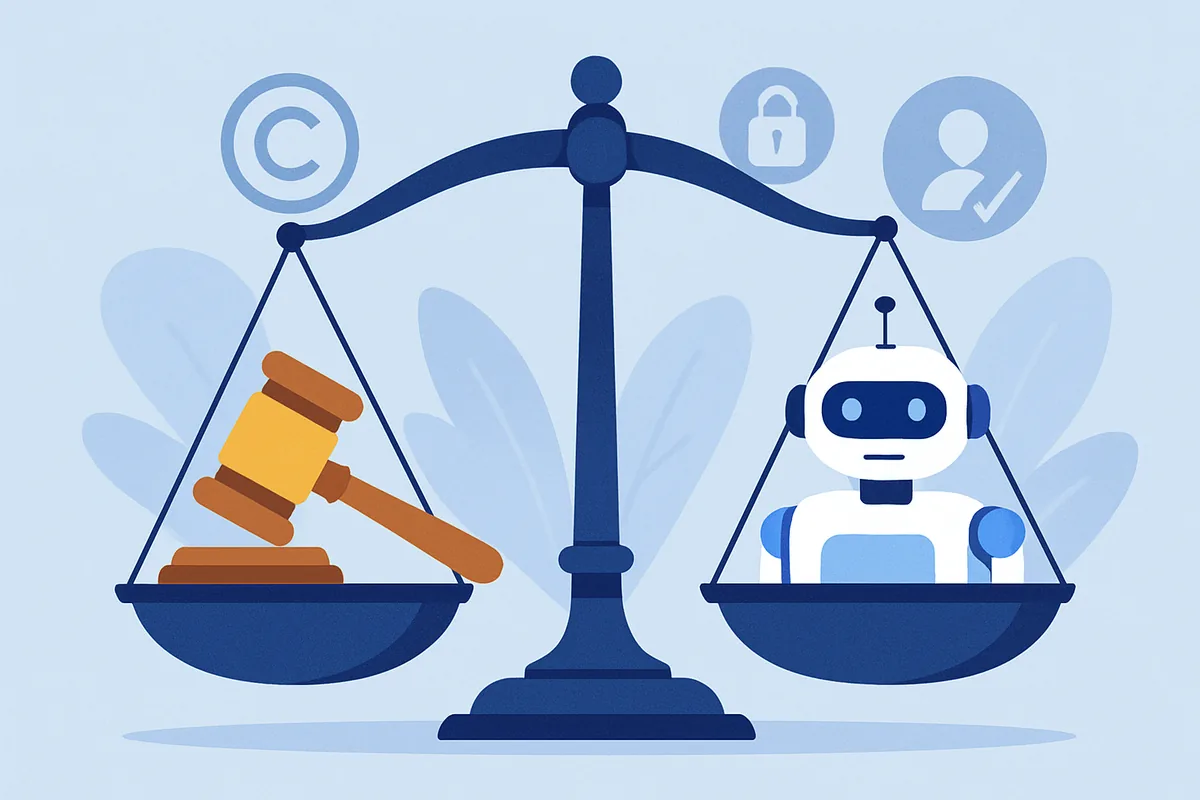
Questions about ownership and copyright come up often too, especially with AI-generated images and text. Our guides to who owns AI art and AI copyright basics cover the legal side in plain language. If you want to go deeper on how these tools actually work under the hood, our AI models hub is a good next stop, and our AI tools hub can help you choose tools with privacy practices you are comfortable with.
AI itself is not inherently dangerous, but unsupervised use carries risks like exposure to inaccurate information, inappropriate content, or over-attachment to chat companions. Setting clear family ground rules and explaining how AI actually works reduces these risks significantly.
Describe AI as a computer program that learned by reading and viewing huge amounts of content, becoming very good at guessing helpful responses. Emphasize that it is not alive, does not have real feelings, and can make mistakes, so important facts should always be double-checked together.
Avoid pasting passwords, full financial account numbers, medical record details, and confidential work information. Most chat tools may use your input to improve their systems unless you adjust privacy settings, so treat anything you type as potentially non-private.
Yes, in a practical sense. The main concern is not dramatic hacking but ordinary data handling, like conversations being used for training or stored longer than expected. Checking your privacy settings and avoiding sensitive information in prompts addresses most everyday risk.
Scammers use AI to clone a relative's voice from a short audio clip, then call pretending to be that person in an emergency, asking for money urgently. Protect against this by agreeing on a family code word and always verifying urgent requests by calling the person back directly.
For most everyday users, the realistic risks are privacy exposure, misinformation, and scams rather than dramatic worst-case scenarios. Basic precautions, like verifying important facts and being careful what you share, address the great majority of real-world risk.
A cautious beginner's guide to Claude privacy and safety: what to think about before pasting personal data, finding privacy controls, and deleting chats.
September 25, 2026
AI copyright basics for beginners: how training data, generated content ownership, and everyday legal risks like privacy and misinformation fit together.
July 3, 2025
Who really owns AI-generated art and text? A plain-language guide to why AI copyright is so chaotic, the competing claims involved, and how to protect yourself.
July 3, 2025
AI explained for kids in plain language: simple analogies, a parent script for explaining artificial intelligence, and honest answers to common questions.
July 3, 2025
Is AI dangerous? A balanced beginner's guide to real AI ethics and risks: bias, privacy, misinformation, and job displacement, without the sci-fi alarm.
July 3, 2025
Top AI myths busted with plain facts: whether AI will take all jobs, is always right, is sentient, or is too complex for beginners to use safely today.
July 3, 2025
Who owns AI art? A plain-language look at the copyright confusion around AI-generated images, why ownership is unsettled, and how to protect your work.
July 3, 2025
AI for seniors made simple: practical everyday uses, easy voice assistant tips, video calling, and how to spot AI voice-clone scams targeting older adults.
May 24, 2025