TL;DR: An AI model is the "brain" behind tools like ChatGPT, Claude, and Gemini. In 2026 the major assistants are all genuinely useful, and the right one depends on your task more than the brand name. Most people are well served starting with a free tier and upgrading only if they hit a real limit. Below we compare the major families and flag the mistakes beginners make when choosing.
What is an AI model, in plain English?
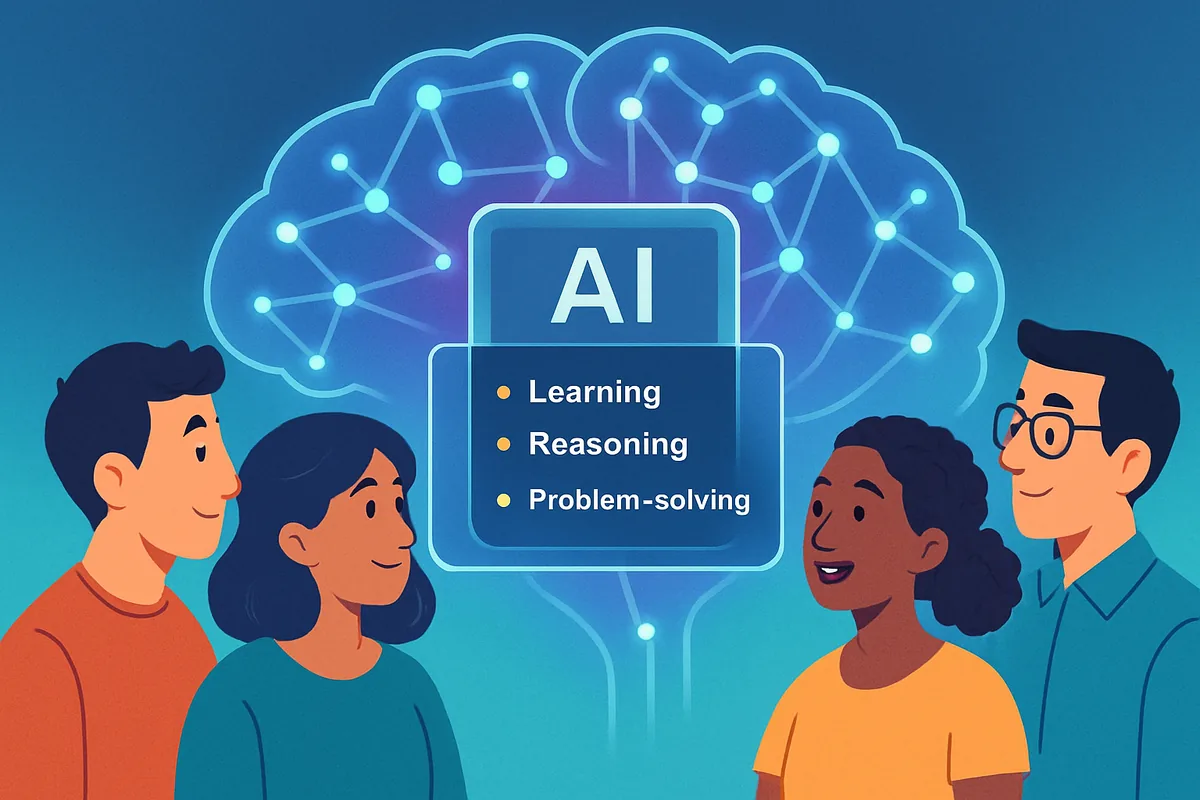
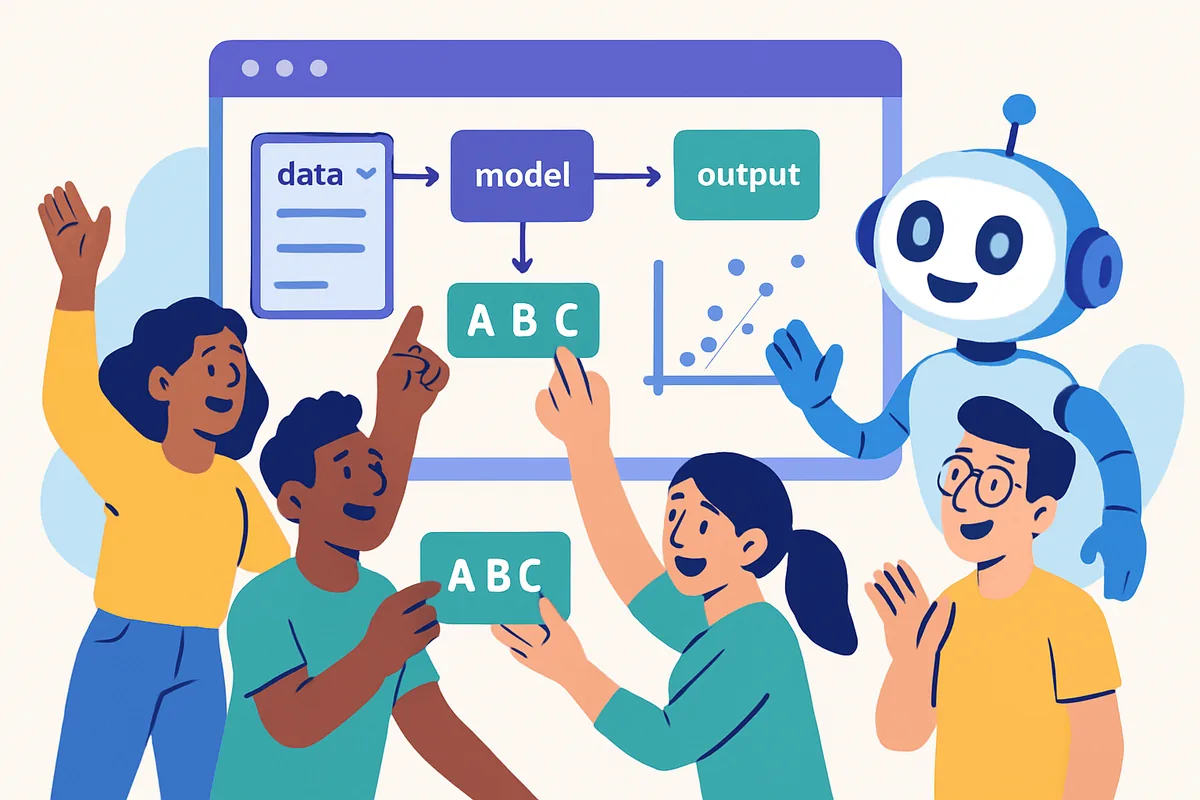
An AI model is software trained on huge amounts of text, images, and code to recognize
patterns and generate new content. When you type a question into ChatGPT or Claude, the model
predicts a helpful response based on everything it learned during training, not by looking
up an answer in a database.
Think of it like a very well-read assistant who has absorbed a huge library but does not have
perfect recall. It is excellent at explaining, drafting, summarizing, and reasoning through
problems, but it can still get details wrong, especially on obscure facts or fast-changing
topics. That is why we always recommend double-checking anything that matters, like numbers,
dates, or legal and medical specifics.
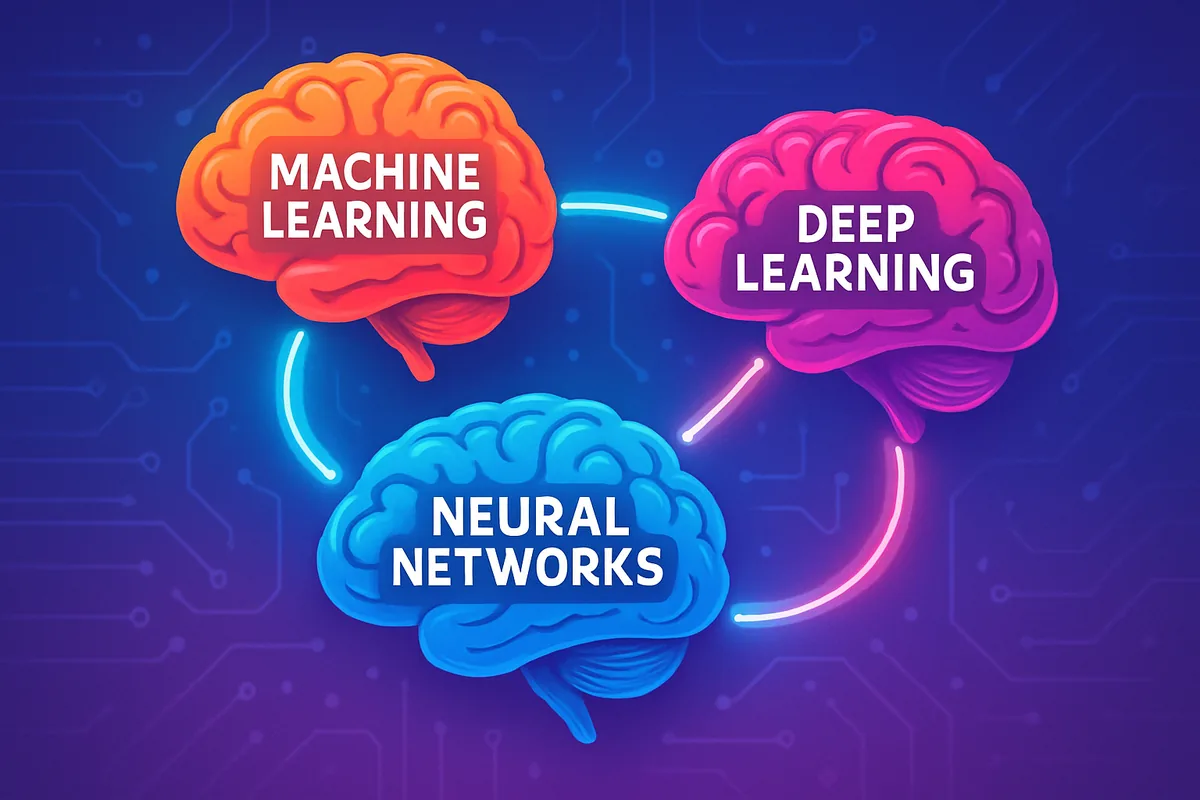
If you want the deeper mechanics, including how machine learning, deep learning, and neural
networks fit together, our explainer on machine learning vs deep learning vs neural networks
breaks it down without the jargon.
What are the major AI model families in 2026?
The big names are OpenAI's ChatGPT, Anthropic's Claude, Google's Gemini, and Microsoft
Copilot, which is built on OpenAI's models but wrapped in Microsoft's own interface. There
are also open-weight options like Llama and Mistral that developers and companies can run
themselves.
ChatGPT (OpenAI) is the most widely recognized assistant, strong at general
writing, brainstorming, and coding help, with a large ecosystem of plugins and integrations.
Claude (Anthropic) is known for careful, well-reasoned answers and handling
long documents well, which makes it a solid pick for summarizing reports, contracts, or
research papers.
Gemini (Google) is tightly integrated with Google Search, Docs, Gmail, and
other Google products, so it is convenient if your life already runs on Google's tools.
Microsoft Copilot is best understood as an interface layer. It brings AI
capability into Word, Excel, Outlook, and Windows itself, often powered by OpenAI's
underlying models, so it is a natural fit if your work already lives in Microsoft 365.
Open-weight models like Llama and Mistral are versions that developers can
download and run on their own hardware or through third-party apps. Most beginners will
encounter these indirectly, through apps built on top of them, rather than using them
directly. For a broader look at where all of this fits into everyday life, see our guide to
AI for beginners beyond the robots.
How do you choose the right AI model for your task?
Match the tool to the job: general writing and brainstorming work well with any major
assistant, long-document analysis favors Claude, everyday Google-integrated tasks favor
Gemini, and Microsoft-heavy workflows favor Copilot. Budget matters too, since every major
provider offers a usable free tier.
For writing and brainstorming, any of the major assistants will get you a
strong first draft. Try a couple with the same prompt and see whose tone you prefer, since
style differences matter more than raw capability for this use case.
For research and fact-finding, look for a model or mode that cites sources,
since that makes it far easier to verify what you are told rather than taking it on faith.
For coding help, most major models handle common languages well. If you code
regularly, it is worth testing a couple of assistants on your actual codebase rather than
picking based on marketing claims.
For image generation, dedicated image tools tend to outperform the image
features bolted onto chat assistants. We cover this tradeoff in more detail in our
free vs paid AI tools guide.
For budget-conscious users, start with whatever free tier is available and
only upgrade once you hit a specific limit, like message caps or needing a larger context
window for long documents.
How do the major AI assistants compare?
ChatGPT, Claude, Gemini, and Copilot all offer capable free tiers and paid upgrades. The
biggest practical differences are around document length handling, ecosystem integration,
and tone, not raw intelligence.
| Assistant | Strengths | Pricing tier | Best for |
| ChatGPT (OpenAI) | General writing, brainstorming, broad plugin ecosystem | Free tier available, paid tier for higher limits | All-around everyday use |
| Claude (Anthropic) | Long-document handling, careful reasoning | Free tier available, paid tier for higher limits | Reports, contracts, research summaries |
| Gemini (Google) | Google Search and Workspace integration | Free tier available, bundled with some Google plans | Google-centric workflows |
| Microsoft Copilot | Built into Word, Excel, Outlook, Windows | Free tier available, paid tier bundled with Microsoft 365 | Microsoft 365-centric workflows |
| Open-weight (Llama, Mistral, and similar) | Customizable, often run through third-party apps | Varies by app, often free to use | Developers and privacy-focused setups |
What mistakes do beginners make when choosing an AI model?
The most common mistakes are assuming one model is objectively "best," paying for a
subscription before testing the free tier, and trusting AI output without checking it. All
three are easy to avoid once you know to watch for them.
Beginners often chase whichever model is trending that month instead of matching the tool to
their actual task. In practice, the differences that matter most are things like document
length limits and how a tool integrates with apps you already use, not which one "wins" a
given week.
Another common trap is subscribing to a paid tier immediately. Every major assistant has a
usable free version, so it is worth living with that for a couple of weeks before deciding
you need more. Our AI glossary for beginners
is a good companion if the terminology on pricing pages feels unfamiliar.
Finally, treating AI answers as always correct is risky. These models are prediction engines,
not search engines, so they can state incorrect information confidently. Always verify facts
that matter, especially numbers, dates, and anything with legal or financial consequences.
Once you have picked a model, the next step for a lot of people is connecting it to the rest
of their workflow. Our no-code automation hub covers how tools like
Make.com can put your AI assistant's output to work automatically.
Frequently Asked Questions
ChatGPT vs Gemini vs Claude vs Copilot: what is the real difference?
ChatGPT is a strong all-around assistant, Claude tends to handle long documents and careful reasoning well, Gemini integrates deeply with Google apps, and Copilot brings AI into Microsoft 365 and Windows. For most everyday tasks, any of them will get the job done well.
What is the best ChatGPT model for beginners?
Start with whatever the free tier offers. It handles everyday writing, brainstorming, and question-answering well. Only consider a paid tier once you hit a specific limit, like needing longer conversations or more advanced reasoning for complex tasks.
Can you explain ChatGPT in simple terms?
ChatGPT is a chat assistant built on a language model, software trained to predict helpful, relevant text based on patterns it learned from huge amounts of writing. You type a question or request, and it generates a response in real time rather than looking one up.
What is the difference between machine learning, deep learning, and neural networks?
Machine learning is the broad idea of computers learning from data instead of fixed rules. Neural networks are one method for doing that, loosely inspired by the brain. Deep learning uses neural networks with many layers, which is what powers most modern AI assistants.
Is Claude better than ChatGPT?
Neither is universally "better." Claude is often preferred for long documents and careful, nuanced reasoning, while ChatGPT has a broader plugin ecosystem and is very strong for general-purpose writing and brainstorming. Try both on your actual tasks to see which fits.
Do I have to pay to use a good AI model?
No. Every major AI assistant offers a free tier that is capable enough for most everyday tasks like writing, research, and basic coding help. Paid tiers mainly add higher usage limits, faster responses, or access to more advanced features.