What are AI image generators and how do they work?
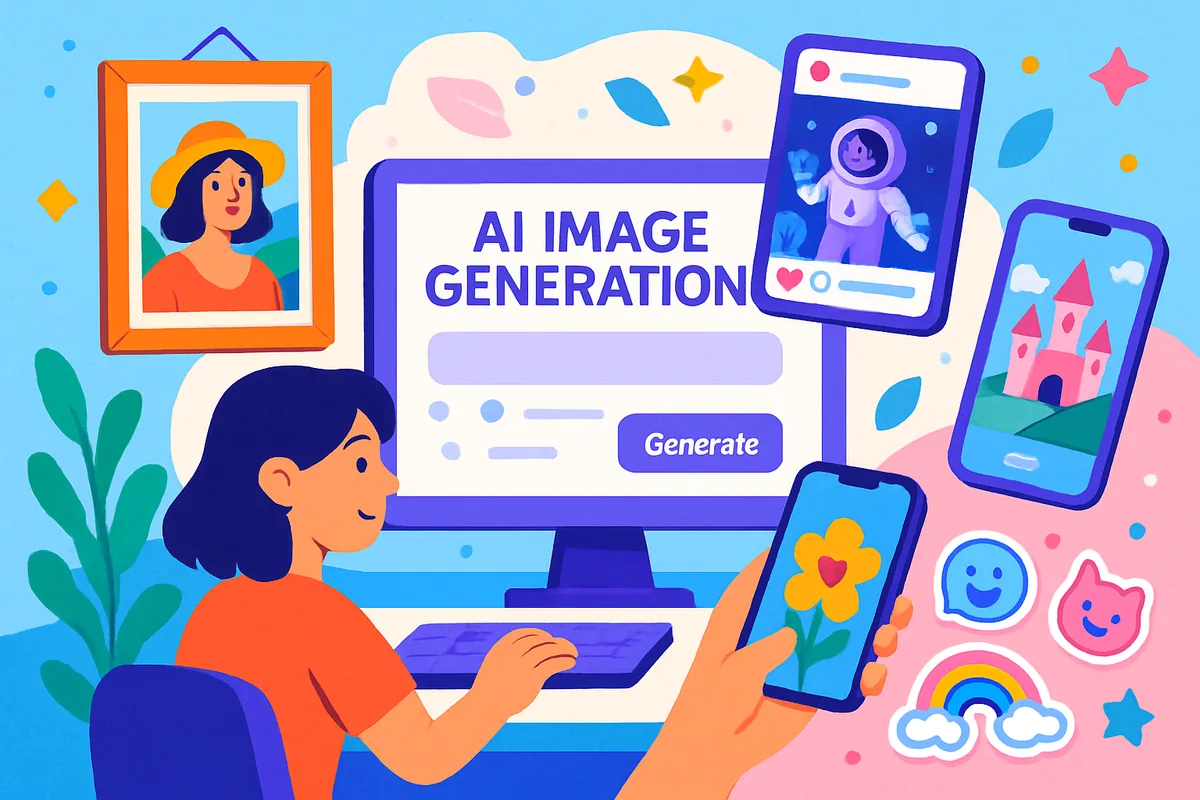
AI image generators create a picture from a written description, letting you type what you want to see and receive a finished image in return. You do not need drawing skill or design software, just a clear description of the image you have in mind.
Popular tools accept everything from simple, literal descriptions to detailed, stylistic prompts and interpret them into a visual result. Most platforms let you generate several variations from a single prompt, so you can compare options and refine your wording until the result matches what you pictured.
How do you write a prompt that gets good results?
Effective prompts are specific rather than vague, describing the subject, style, setting, and mood you want. A prompt like "a vibrant watercolor painting of a sunset over a lavender field" gives the tool far more to work with than simply asking for "a nice picture."
- Name the style: words like photorealistic, watercolor, cartoon, or minimalist vector illustration steer the result toward a specific visual approach.
- Describe the setting and mood: lighting, weather, and atmosphere words, like "golden hour" or "moody and dramatic," shape the final feel of the image.
- Iterate rather than settle: generate a few variations, notice what is missing or wrong, and adjust your prompt instead of accepting the first result.
What are beginner-friendly projects to try first?
Start with a low-stakes, personal project rather than something tied to a deadline or business need. These five ideas cover a range of everyday, practical uses that make good first attempts.
Personalized wall art
Design custom artwork tailored to your own taste instead of buying generic prints. Pick a style you like, abstract, landscape, or whimsical, write a specific prompt, and generate a few variations before choosing your favorite to print and frame.
Social media graphics
Create eye-catching, on-brand visuals for posts and profiles without hiring a designer. Keep a consistent style across images, like the same color palette or illustration approach, so your feed feels cohesive rather than randomly generated.
Custom phone wallpapers
Design a wallpaper around something you actually care about, a favorite animal, a hobby, or a mood you want your phone to reflect. This is one of the fastest projects to complete since it only requires one good image.
Illustrated short stories
Bring a short story or a few paragraphs to life by generating an image for each key scene. Write a specific prompt for every scene you want to illustrate, then combine the text and images into something you can share or print.
Custom stickers
Generate playful characters, quotes, or objects with a transparent background, then convert them into stickers for messaging apps using a separate sticker-maker tool. This project rewards a simple, fun prompt more than a highly technical one.
Which AI image tools should a beginner try first?
The easiest starting point is an image generator built into an AI assistant or service you already use, since it removes the friction of creating yet another account. From there, trying one or two dedicated image tools helps you see which style of output you prefer for your projects.
Most image tools offer a usable free tier, though free plans often add a small watermark, limit how many images you can create per day, or restrict the resolution you can download. That is usually plenty for personal projects like wallpapers and wall art. If you find yourself generating images regularly or need higher resolution and clearer commercial rights, that is the point where a paid plan starts to make sense. You can explore no-signup options in our guide to powerful AI tools you can try instantly, which is a low-commitment way to compare a few generators side by side.
What mistakes do beginners make with AI image tools?
The most common mistakes are giving up after one vague prompt, ignoring a tool's usage terms, and chasing a perfect result instead of an interesting one. Each is easy to avoid once you know to watch for it, and avoiding them makes the whole experience far less frustrating early on.
- Settling for the first attempt: the first image is a starting point, not the finish line. Adjusting your prompt based on what came out wrong is the normal workflow, and it is where most of the improvement happens.
- Skipping the terms of service: assuming any generated image is free to use commercially is a frequent and avoidable error, since rights vary by tool and by plan.
- Over-describing the image: cramming a prompt with too many competing details often produces a muddled result. A few clear, deliberate choices usually beat a long, cluttered description.
How can automation make repeated image generation easier?
Automation platforms can generate images on a schedule or in response to a trigger, which is useful once you move from one-off projects to repeated or bulk image creation. For example, you could connect a spreadsheet of prompts to an automation that generates an image for each row without manually running every prompt yourself.
This kind of setup also works for personalized use cases, like automatically generating and emailing a custom image whenever someone fills out a form. That said, automation is worth adding only once you have the manual process working smoothly, so there is no need to reach for it during your first few projects. Our automation hub covers how these platforms connect different apps and services if bulk or repeated image generation becomes something you need regularly.
What should you check before using generated images publicly or commercially?
Check the specific tool's terms of service before using AI-generated images in marketing, products, or anything tied to a business, since commercial usage rights vary between free and paid tiers and between providers. Assuming a free image is automatically safe to use commercially is a common and avoidable mistake.
Our guide to free vs paid AI tools covers this commercial usage question in more depth, since it applies to image tools just as much as writing assistants.
Next step: for more on evaluating image generators and other AI tools before committing to one, visit our AI tools hub.