What is AI, in plain language?
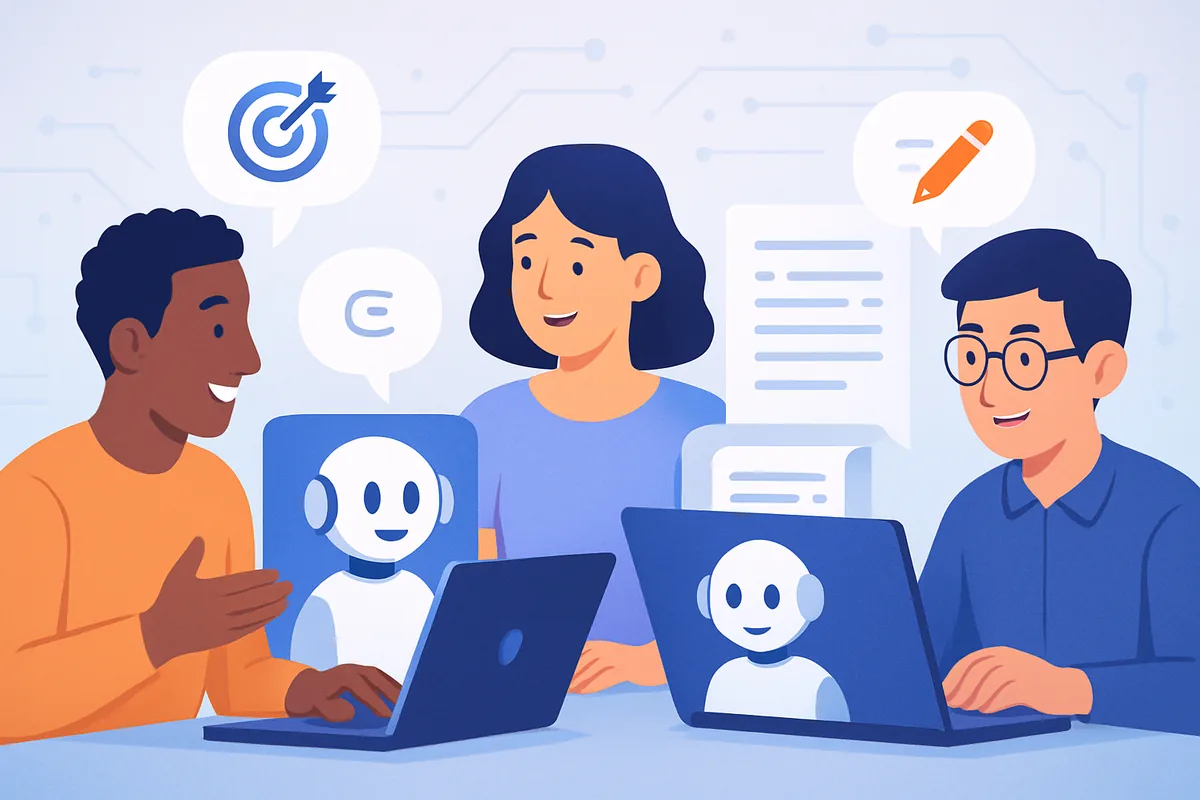
Artificial intelligence, in the form most beginners will actually use, is software that produces useful text, images, or answers when you describe what you want in plain language. You do not need to understand the underlying math to get real value from it, the same way you do not need to understand how a car engine works to drive one.
Most of the tools you have heard about, like ChatGPT, Claude, and Gemini, are built on a type of AI called a large language model. These models learned patterns from enormous amounts of text and can now generate new text, answer questions, summarize documents, and hold a conversation. Other tools generate images or analyze data, but the interaction pattern is usually the same: you describe what you want, and the tool responds.
Why should a complete beginner care about AI in 2026?
AI tools have become genuinely useful for everyday tasks like writing, summarizing, planning, and light research, and free versions are good enough to start with immediately. Waiting for a perfect understanding of the technology before trying it is the biggest reason people fall behind, not lack of technical skill.
- Everyday productivity: drafting emails, summarizing long documents, and organizing your thoughts all get faster with a good AI assistant.
- Work relevance: more jobs now expect some baseline comfort with AI tools, even in roles that are not technical.
- Low cost to start: the best entry-level tools are free, so trying them costs you time, not money.
- Automation potential: once you are comfortable with an assistant, small automations can take over repetitive tasks entirely. Our automation hub covers this next step in detail.
What is the realistic order to learn AI skills in?
The most efficient path is to use a free assistant for real tasks first, learn basic prompting once you notice where your results fall short, then try one small automation before ever considering a paid course. Most people do this in reverse, which wastes both time and money.
- Use a free assistant for a real task this week. Pick something you already need to do, like drafting a message or summarizing a document, rather than a made-up practice exercise.
- Learn basic prompting. Once you notice the tool giving vague or unhelpful answers, learn how to be more specific about your goal, context, and desired format. Our free prompt engineering guide covers this in more depth.
- Try one small automation. Connect two tools you already use so a repetitive task happens without you. Our Make.com explainer walks through building a first automation with no code.
- Consider paid learning only once you have a specific gap. If you decide you want structured instruction, target it at something specific instead of a broad "learn AI" course. Our guide to AI bootcamps can help you decide whether that investment makes sense for your goal.
Which free AI tools are worth trying first?
Start with one general-purpose AI assistant rather than trying several tools at once. ChatGPT, Claude, and Gemini all offer capable free tiers, and the differences between them matter far less at the beginner stage than simply using one consistently.
- General assistants: ChatGPT, Claude, and Gemini are strong starting points for writing, summarizing, and general questions.
- Writing helpers: tools built specifically for grammar and phrasing can complement a general assistant once you have a routine going.
- Image generators: useful once you have a specific creative or visual need, but not essential for your first weeks of learning.
Our guide to free versus paid AI tools goes deeper into when upgrading actually pays off.
What common terms should beginners actually know?
A handful of terms come up constantly, and understanding them removes a lot of unnecessary confusion. You do not need a technical background to grasp any of these; they are concepts, not formulas.
- Prompt: the instruction or question you give an AI tool.
- Model: the specific AI system you are talking to, such as GPT-4 or Claude.
- Hallucination: when an AI tool confidently states something that is not true. Always verify anything important before relying on it.
- Context window: how much information a model can consider at once in a conversation, including earlier messages and any documents you share.
Our plain-language comparison of machine learning, deep learning, and neural networks is a good next stop if you want to understand what is happening behind these tools without diving into technical detail.
Does age or lack of tech background actually hold you back?
No. Comfort with AI tools comes from regular use, not from a technical background or being young. If you have years of experience in your field, that judgment about which problems actually matter is often more valuable than raw technical fluency.
This is a particularly strong angle if you are further along in your career. Our guide to staying relevant for the 40+ workforce looks specifically at how experience and AI literacy combine into a genuinely competitive advantage.
What mistakes do beginners make early on?
The most common mistake is trusting an AI tool's answer without checking it, especially for facts, numbers, or anything with real consequences. AI assistants can sound confident while being completely wrong, so treat their output as a strong first draft rather than a final answer.
A second common mistake is spending too much time comparing tools instead of using one. The differences between the major assistants matter far less than simply building a daily habit of turning to one of them for real tasks. A third mistake is jumping straight to a paid course before trying the free tools long enough to know what you actually need help with. Free tools can take you further than most beginners expect, and they make any later paid course far more useful because you already know your specific gaps. A final trap is treating AI as an all-or-nothing skill you either "get" or don't. It is closer to learning a new piece of software: you improve gradually through repeated, ordinary use, not through a single moment of understanding.
Next step: for a full picture of the realistic path from complete beginner to confident AI user, visit our learn AI hub.