Why do AI skills matter for experienced professionals right now?
AI skills matter for the 40+ workforce because AI is already reshaping how work gets done across most industries, and experienced professionals bring judgment and context that AI cannot replicate on its own. The two combined are more valuable than either alone.
This is not about chasing every new tool or becoming a programmer overnight. It is about strategically adding a few practical capabilities to a skillset built over years, the same way you might have adopted a more efficient tool in your field earlier in your career.
What AI skills actually matter, without the jargon?
For most professionals, the essential AI-related skills are about using and understanding AI tools well, not building them from scratch. A handful of practical capabilities cover the vast majority of what matters day to day.
- AI literacy. A basic understanding of what AI tools can and cannot reliably do, including common terms like machine learning and generative AI, and an awareness of where bias and errors tend to show up.
- Prompt engineering. The skill of asking AI tools clear, well-structured questions, since the quality of a response depends heavily on the quality of the prompt. Start simple: ask a chatbot to summarize an article or draft an email, and refine from there.
- Data interpretation at a user level. You do not need to be a data scientist to use AI tools that help identify trends or summarize numbers, many now have interfaces built for exactly that.
- Familiarity with a few relevant tools. Rather than learning everything available, pick two or three tools relevant to your actual role and get genuinely comfortable with them.
- Responsible use. Understanding that AI tools can be wrong confidently, and that judgment about when to trust or double-check output remains a distinctly human skill.
How does no-code automation fit into this picture?
No-code automation is one of the most practical ways to apply AI-adjacent thinking, since it lets you connect the apps you already use so repetitive tasks handle themselves, without writing any code. Many experienced professionals already think in terms of processes, inputs, and outputs, which makes automation intuitive rather than foreign.
Where this pays off: years of managing workflows means you already know which parts of your job are repetitive and ripe for automating. Platforms like Make.com just give you the tool to actually build that automation yourself, visually, without depending on a developer.
Our Make.com explained guide covers the platform's core concepts, and our step-by-step walkthrough shows exactly how to build a first scenario if you want to try this hands-on.
How should you actually go about upskilling?
The most sustainable approach is small, consistent learning rather than a lengthy course: pick one tool relevant to your work, use it for a specific recurring task, and build from there as you get comfortable.
- Use short, focused resources. Brief online courses, webinars, or industry newsletters covering AI in your specific field are usually more useful than a broad, generalized course.
- Start with one tool and one task. Commit to using a single AI tool for a specific job, like drafting a weekly summary, until it becomes second nature.
- Lean into distinctly human skills. Critical thinking, judgment, and relationship-building only become more valuable as AI handles more routine tasks around them.
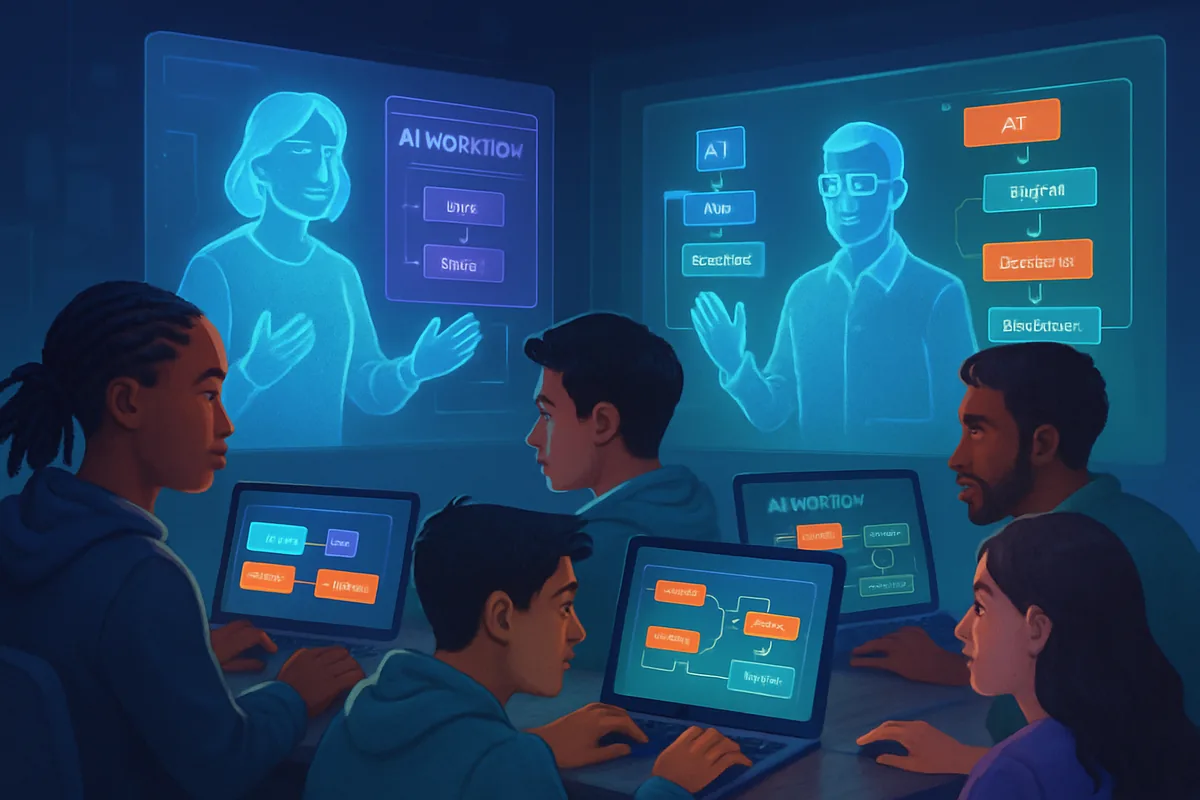
- Learn alongside peers. Sharing what works with colleagues who are exploring the same tools tends to accelerate everyone's learning curve.
What common worries hold experienced professionals back?
Three worries come up most often: fear of looking foolish for asking basic questions, the assumption that AI tools require technical skills you do not have, and concern that younger colleagues have an unbeatable head start. None of these hold up well under closer examination.
- "I will look foolish asking basic questions." Everyone using these tools seriously started with basic questions, since the field itself is new enough that nobody has decades of experience with it. Asking is simply how anyone gets past the first plateau.
- "This requires technical skills I don't have." Most consumer AI tools and no-code platforms are explicitly designed for non-technical users, with visual interfaces and plain-language prompts replacing anything resembling traditional programming.
- "Younger colleagues already have a head start." Comfort with an interface is not the same as judgment about when and how to use a tool well. Years of experience deciding what actually matters in your field is not something familiarity with an app replaces.
None of this means the learning curve does not exist. It means the curve is shorter and gentler than it might feel from the outside, especially once you have a specific, real task to practice on rather than trying to learn everything in the abstract.
What makes an experienced professional's AI skills an advantage?
Decades of experience give you context that AI lacks entirely: knowledge of how a business actually operates, judgment about which numbers matter, and the ability to spot when an AI-generated answer does not quite fit the real situation. Pairing that judgment with a handful of practical AI skills is a genuine advantage, not a defensive move.
The narrative that AI simply replaces experienced workers oversimplifies what is actually happening. In practice, AI augments existing expertise more often than it replaces it, provided you are willing to add a few new tools to a skillset that already works well on its own.
Where should you start if this feels overwhelming?
Start with one small, low-stakes step rather than an overhaul: try one AI chatbot for one real task this week, or explore our roundup of five Make.com hacks for beginners to find an automation that matches something you already do repeatedly. The goal is momentum, not mastery, in the first week or two.
Give yourself permission to be a beginner again for a short while. Every professional who now uses these tools confidently started exactly where you are, with one small task and a willingness to try something new alongside decades of skills that AI cannot replace.
Next step: for the broader picture of how no-code automation works and where to begin, visit our automation hub.