What does an AI-powered report actually automate?
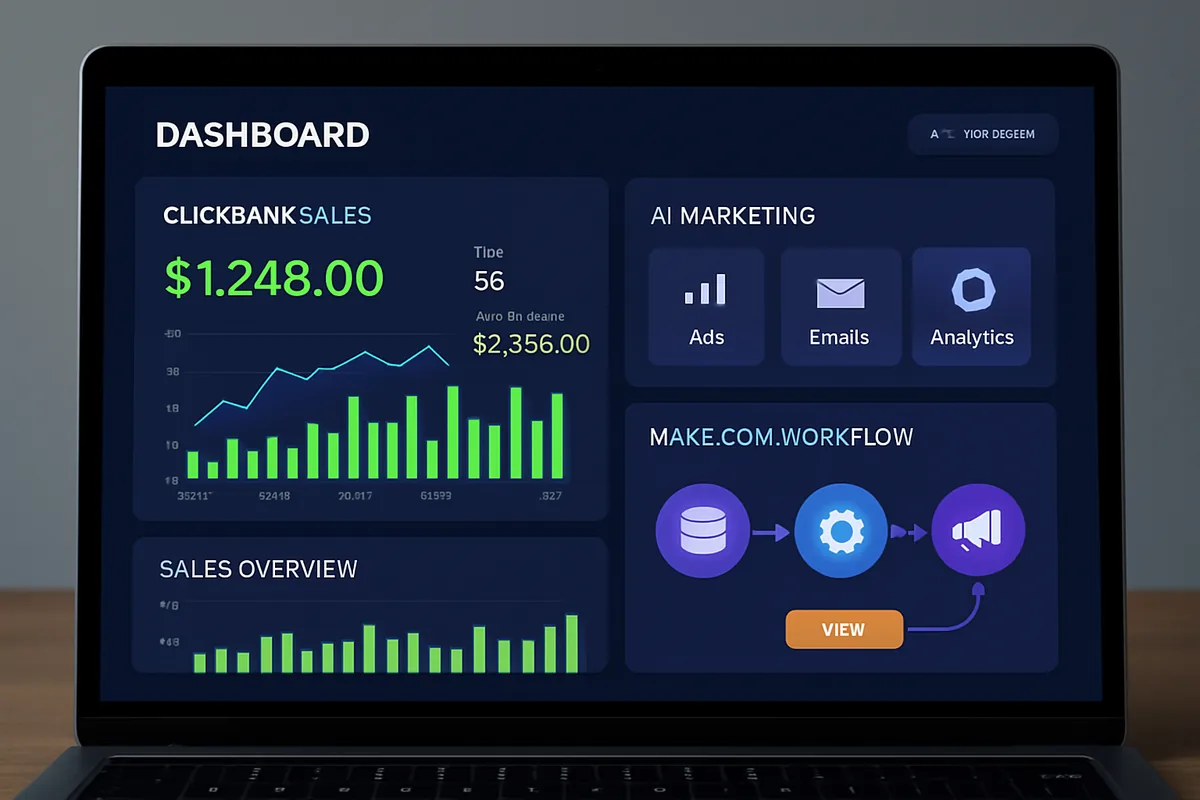
An AI-powered report automates the step where you would normally read through raw data and write a summary yourself. Make.com pulls data from a source like Google Sheets, sends it to an AI model with instructions on what to highlight, and delivers the resulting summary wherever you want it.
Where this pays off: recurring reports, weekly sales summaries, monthly performance recaps, are exactly the kind of task that feels necessary but rarely changes in structure week to week. Automating the summarization step removes the most tedious part while leaving you free to review and add your own judgment.
What do you need before building this automation?
You need a Make.com account, a data source such as a Google Sheet with the information you want summarized, and an account with an AI provider that offers API access. Both Make.com and most AI providers offer free usage that is enough to build and test this scenario.
How do you build a simple AI report step by step?
Building a basic weekly report takes four steps: connect your data source, send the data to an AI tool for summarization, format and deliver the result, then schedule the whole scenario to repeat automatically.
- Connect your data source. Add a Google Sheets module, choose the get-rows action, and connect the spreadsheet containing the data you want summarized, like weekly sales figures.
- Send the data to an AI tool. Add an AI module, connect your account, and build a prompt that includes the data pulled from the previous step along with clear instructions, such as "summarize this data and highlight the top three trends."
- Format and deliver the report. Choose where the summary should go: an email to your inbox, a new Google Doc, or a message posted to a Slack channel. Configure the corresponding module with the AI-generated text.
- Schedule the automation. Set the scenario to run automatically at the interval that matches your reporting cadence, such as every Monday morning.
What makes a good prompt for report summarization?
A good summarization prompt tells the AI model exactly what to look for and how to structure the response, rather than leaving it to guess what matters in the data. Vague prompts like "summarize this" tend to produce vague, unfocused summaries.
Instead, be specific: ask it to highlight the top few trends, flag anything unusual compared to a typical period, or structure the output as a short list rather than a paragraph. Refining the prompt over your first several runs, based on what the summary gets wrong or misses, makes a bigger difference than any other single setting.
What kinds of reports work well with this approach?
This pattern works best for recurring reports with a stable structure, where the data changes but the questions you are asking about it stay the same. Weekly sales digests, monthly performance recaps, and regular customer feedback summaries are all strong fits.
- Weekly sales summaries. Pull totals and top performers from a sales spreadsheet, and have the AI highlight anything that moved significantly compared to a typical week.
- Customer feedback digests. Summarize open-ended survey responses into a short list of recurring themes, saving the time of reading through every response manually.
- Project status recaps. Pull rows from a project tracker and generate a plain English summary of what changed since the last report, useful for a quick team update.
- Content performance reports. Combine metrics from a content calendar with an AI summary highlighting your best and weakest performing pieces for the period.
Reports that require genuine judgment calls, like deciding whether a number represents a real problem or an acceptable anomaly, still benefit from a human reviewing the AI's summary before it goes out to anyone who will act on it.
What goes wrong the first time people build this?
The most common first-attempt problems are a prompt that is too vague, a data range that is wrong or outdated, and forgetting to test before scheduling the automation to run unattended.
- Vague prompts. A prompt that just says "summarize this" tends to produce a generic paragraph that misses the specific insight you actually wanted. Be explicit about what the summary should focus on.
- Wrong data range. Double-check that the Google Sheets module is pulling the correct range or the correct week's worth of rows, rather than the entire sheet's history every time it runs.
- Skipping the test run. Always trigger the scenario manually and read the resulting report closely before turning on scheduling, since a flawed prompt or mapping error is far easier to catch on one test than after several unattended runs.
What should you double-check before trusting the report?
Spot-check the AI-generated summary against your raw data for at least the first month of runs, since AI models can misread ambiguous numbers or miss context that would be obvious to someone familiar with the underlying business.
Treat the automated report as a strong first draft rather than a final, verified document, especially for anything shared outside your immediate team or with people who will make decisions based on the numbers. Our guide to how ChatGPT works covers why AI models can state things confidently even when they are wrong, which is worth understanding before you rely on any AI-generated summary.
How can you extend this automation further?
Once the basic version works, a few extensions are worth adding: combining multiple data sources into one report, using a data transformation module to clean or filter information before summarization, or chaining a second AI step to generate a chart description alongside the text summary.
If your reporting data originates from customer emails or invoices rather than a spreadsheet, our PDF automation guide covers a related workflow for handling that kind of document-based input, including turning the resulting summary into a shareable file.
Next step: if you have not built a Make.com scenario before, our step-by-step guide to turning emails into Trello cards is a gentler starting point, and our automation hub covers the platform's fundamentals in more depth.