Why are these five automations worth building first?
These five hacks are worth building first because each one solves a genuinely common, repetitive task with a simple trigger-action-filter pattern, and each one is reversible if you get the setup slightly wrong. They cover lead capture, social scheduling, email triage, content curation, and AI-assisted drafting.
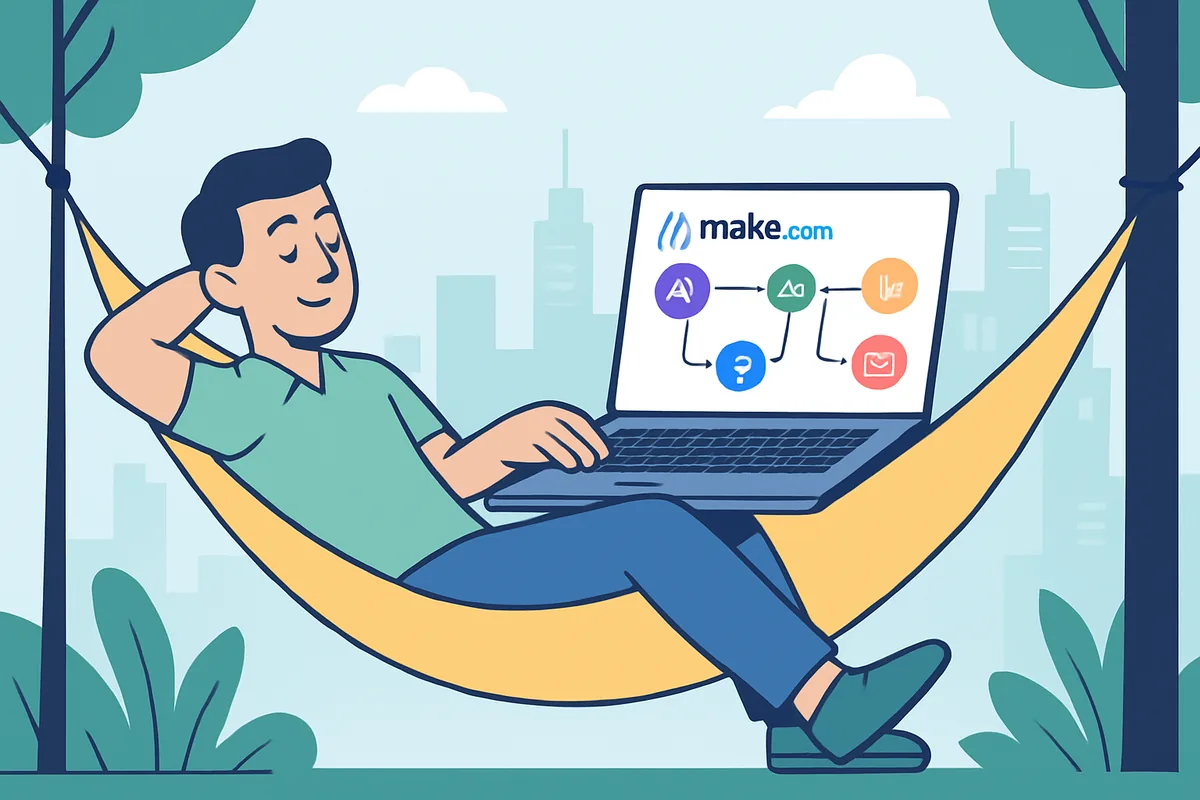
Make.com represents each of these as a "scenario," a visual flowchart connecting a trigger (the event that starts things) to one or more action modules. Learning this shape once means every hack below follows a pattern you already recognize by the second or third one.
Hack 1: Never miss a lead again
The problem: leads come in through a website form, but checking for new submissions and manually logging them into a spreadsheet or CRM means some inevitably slip through.
The automation: capture new form submissions automatically, add them to a Google Sheet or your CRM, and notify yourself or your team instantly.
- Trigger: a new form submission, from Google Forms, Typeform, or similar.
- Action: add a row to Google Sheets with the lead's details.
- Optional action: send a Slack or email notification so someone follows up quickly.
Where this pays off: faster follow-up on new leads often translates directly into more business, and this is one of the simplest automations to build, which makes it a good first project.
Hack 2: A social media content scheduler
The problem: posting consistently across platforms takes daily discipline that is easy to lose to a busy week.
The automation: write posts in batch inside a Google Sheet or Airtable base, and let Make.com publish each one automatically when its scheduled date arrives.
- Trigger: a new or updated row in your content spreadsheet, checked on a schedule.
- Filter: only continue if the status is "ready to post" and the publish date has arrived.
- Action: post to the platforms you have connected, then mark the row as posted.
Where this pays off: batching your writing time and letting the calendar handle publication removes the daily scramble for what to post.
Hack 3: A smart email organizer
The problem: important emails, invoices, proposals, and action items get buried under routine inbox traffic.
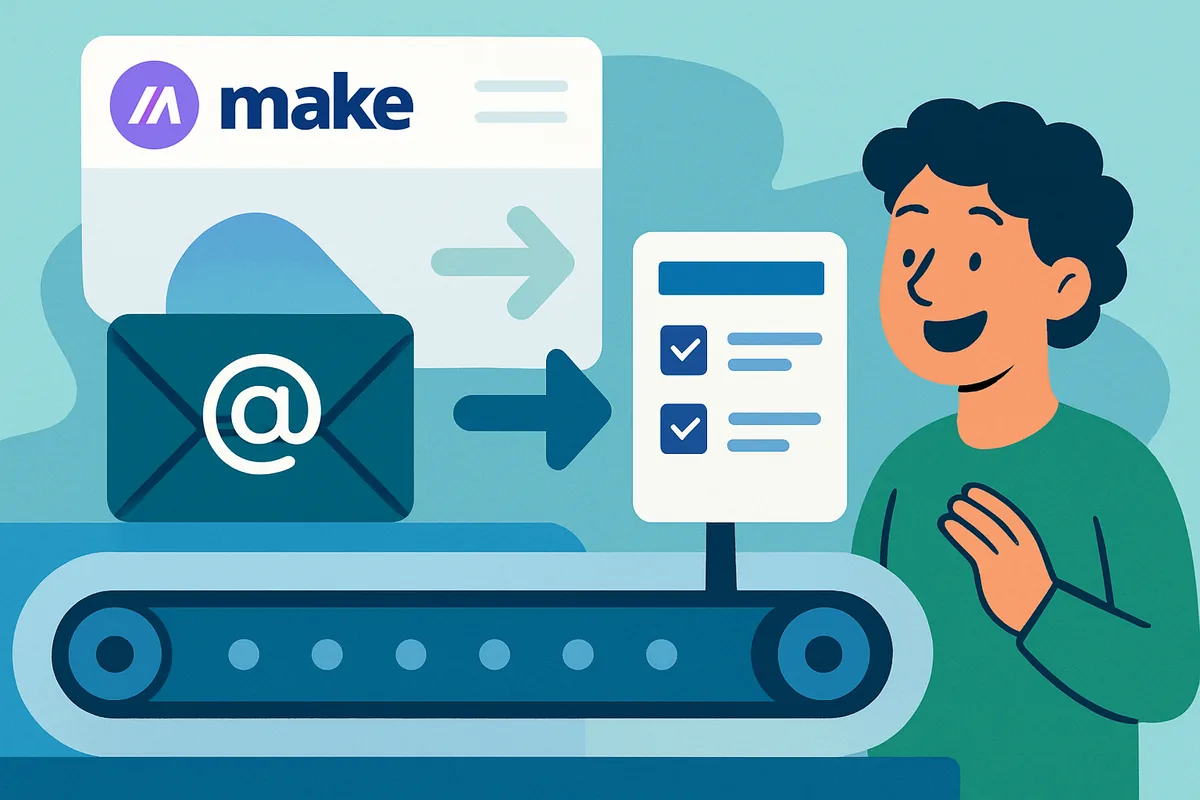
The automation: automatically identify important emails based on sender, subject keywords, or attachments, and turn them into a task or a row in a follow-up spreadsheet.
- Trigger: a new email matching your defined criteria.
- Filter: only proceed if the email is from a specific sender, contains a keyword like "invoice," or has an attachment.
- Action: create a task in your project tool, or add a row to a follow-up sheet.
Our email-to-Trello guide covers a closely related version of this exact workflow in more depth.
Hack 4: A content curator's best friend
The problem: you follow useful blogs and news sources, but manually checking each one and sharing worthwhile articles takes real time.
The automation: monitor RSS feeds from your favorite sources, and automatically share new articles to social media or a team Slack channel.
- Trigger: a new item appearing in an RSS feed.
- Action: post the article title and link to X, LinkedIn, or Slack.
RSS feeds are structured and predictable, which makes this one of the easier automations for Make.com to work with reliably.
Hack 5: An AI-powered first draft assistant
The problem: you regularly need first drafts, blog intros, product descriptions, social captions, but a blank page is a real barrier to getting started.
The automation: log topics or keywords in a Google Sheet, send them to an AI writing tool for a first draft, and save the result to a Google Doc automatically.
- Trigger: a new row in your ideas spreadsheet.
- Action: send a prompt built from that row's content to an AI tool.
- Action: save the generated draft to a Google Doc, or write it back to the sheet.
A caveat worth taking seriously: AI-generated drafts always need a human editing pass before publishing. Treat the output as a starting point, not a finished piece, and be aware that AI tool usage through an API is typically billed separately from any consumer subscription.
What do all five hacks have in common?
Every hack in this list follows the same underlying shape: something happens in one app, a filter optionally checks whether it matters, and an action responds in another app. Recognizing this pattern is more valuable than memorizing any single hack, because it lets you invent your own automations once you see it clearly.
This also means the five hacks are not really five unrelated tricks, they are five applications of one idea. Once you have built the lead capture automation, the social scheduler and email organizer will feel noticeably faster to set up, since the unfamiliar parts, the account connections and the visual builder itself, are no longer new to you.
What should you check before activating any of these?
Before turning any of these five automations on for real use, test them with "Run once" using realistic sample data, and confirm the filter conditions are neither too strict nor too loose. A filter that is too broad creates noise, like posting drafts before you finalize them, while one that is too narrow means genuinely important events slip through untouched.
It is also worth deciding upfront where you will notice if something goes wrong. A dedicated Slack channel or a habit of checking your scenario history weekly is enough for most of these automations, since none of them involve money or direct customer-facing communication on their own.
How do you get started with your first hack?
Pick the hack that matches your biggest current pain point, not the one that sounds most impressive, and build only that one first. Our Make.com explained guide covers the platform's core concepts if you have not built a scenario before, and our step-by-step walkthrough shows the full build process in detail for one concrete example.
Once you're comfortable with the basics, Make.com's own template library is worth browsing for pre-built versions of these same patterns, which can save you time versus building from scratch.
Next step: for the bigger picture of no-code automation, including honest comparisons with Zapier and n8n, visit our automation hub.