What is artificial intelligence, really?
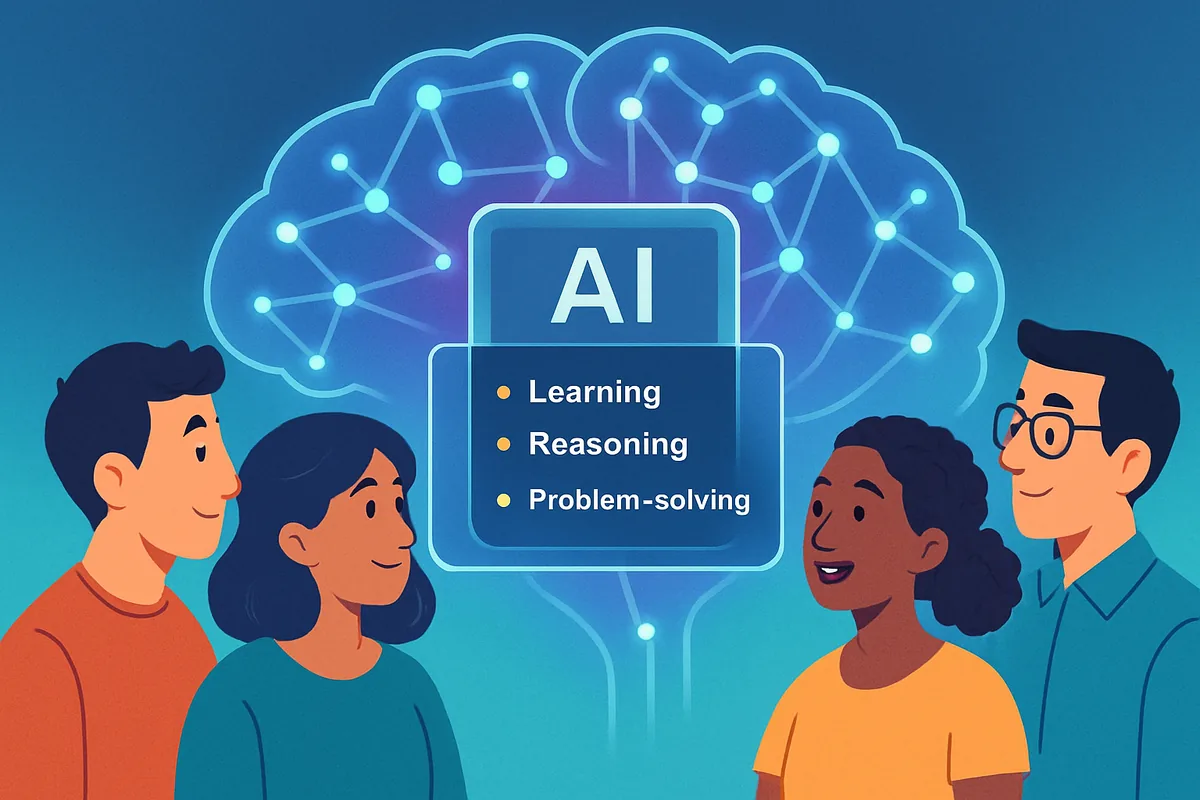
Artificial intelligence is software trained to perform tasks that normally require human thinking, such as recognizing patterns, understanding language, and generating new content. It is not the humanoid robots of science fiction. Most AI you interact with in 2026 lives quietly inside apps: a chat assistant, a spam filter, a recommendation feed, or a voice assistant.
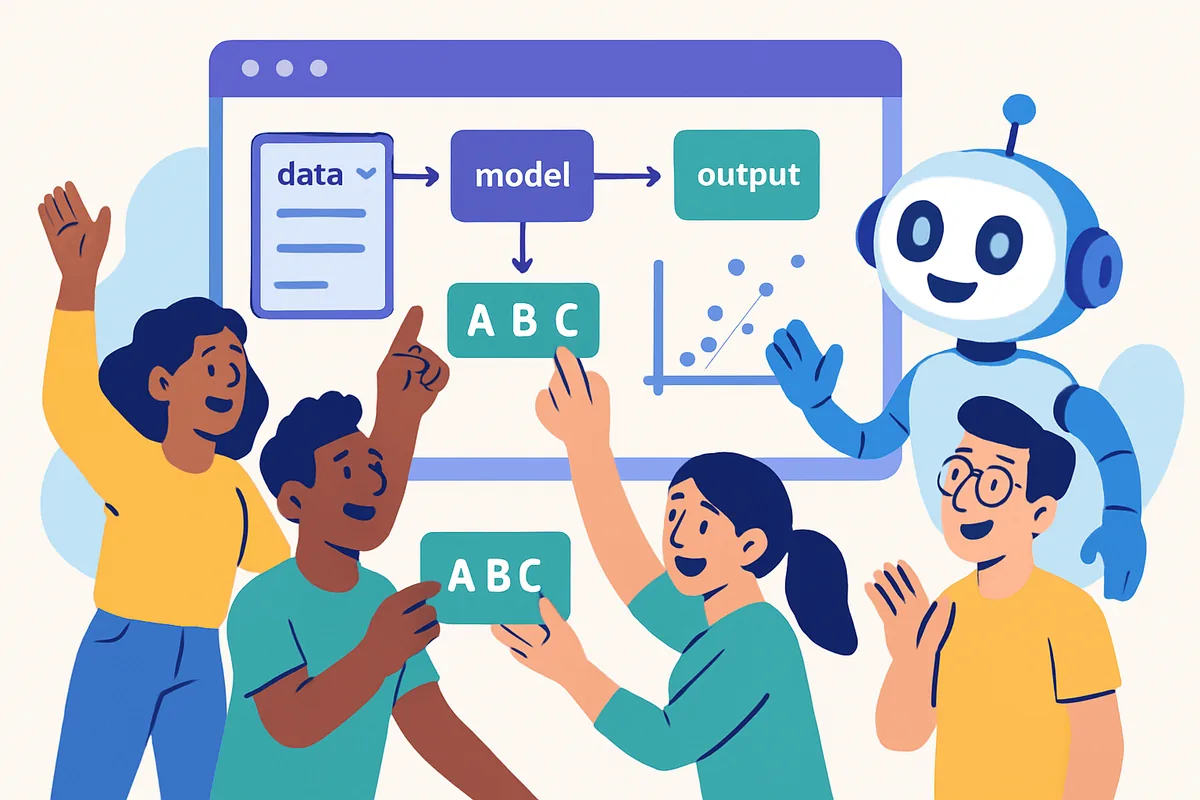
Instead of following a fixed set of programmed rules, AI systems learn from large amounts of data and adjust their behavior based on patterns they find in it. That is what makes them flexible enough to draft an email, summarize a long document, or answer an open-ended question, tasks that would be nearly impossible to hand-code rule by rule.
What core AI concepts should a beginner actually know?
You do not need a computer science degree to use AI well. A handful of terms cover almost everything: machine learning, deep learning, neural networks, and natural language processing. Knowing roughly what each means helps you understand what a tool can and cannot do.
- Machine learning (ML): a subset of AI where systems learn from data instead of being explicitly programmed for every scenario, like teaching a computer by showing it examples rather than giving it a rulebook.
- Deep learning (DL): a type of machine learning that uses layered neural networks to handle complex tasks like image recognition and language generation. It is the technology behind most modern chat assistants.
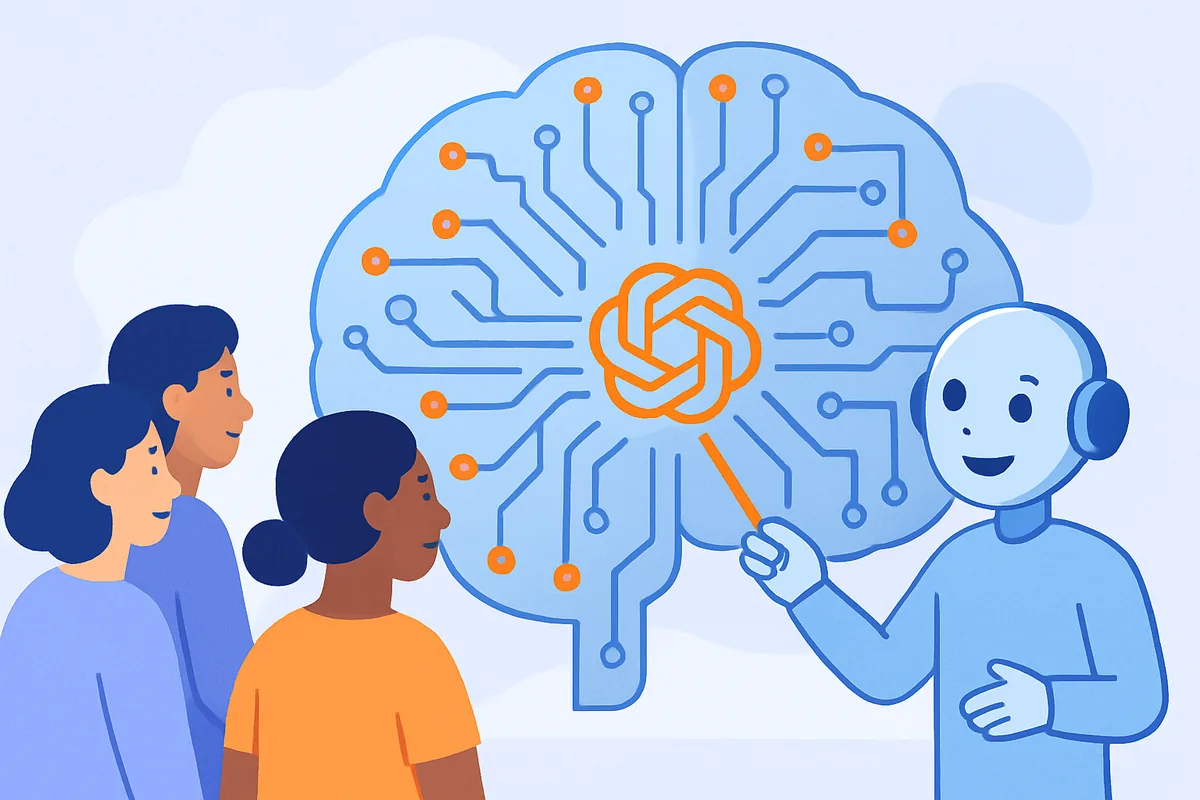
- Neural networks: the layered, interconnected structures loosely inspired by the brain that deep learning relies on. For a deeper walkthrough, see our guide to machine learning vs deep learning vs neural networks.
- Natural language processing (NLP): the field focused on letting computers understand and generate human language, which is what makes chatbots and translation tools possible.
- Algorithm: the set of instructions a computer follows to process data and reach a result. In AI, algorithms are what turn raw training data into a usable model.
- Prompt: the text you type into an AI assistant to ask for something. Clearer, more specific prompts generally produce more useful responses.
It also helps to understand what an AI model is not. It is not a search engine looking up a stored answer, and it is not conscious or self-aware. It is closer to a very well-read prediction engine: given your input, it generates the words most likely to form a useful reply based on everything it learned during training.
What can beginners actually do with AI tools today?
Beginners can use AI for writing, research, learning, and light automation without touching any code. The most common starting points are drafting text, summarizing information, and getting plain-language explanations of unfamiliar topics.
- Writing help: drafting emails, outlines, and first drafts of articles or social posts.
- Learning: asking an assistant to explain a concept at whatever level of detail you need, then asking follow-up questions.
- Summarizing: condensing long articles, reports, or documents into a short overview you can skim.
- Light coding help: even non-programmers can use AI to understand what a snippet of code does or to generate a simple script with guidance.
- Automation: once you are comfortable with a chat assistant, connecting it to other apps through a no-code platform can save real time on repetitive tasks.
Where does AI already show up in everyday life?
AI is already embedded in tools most people use daily, often without noticing it. Common examples include recommendation systems, spam filters, voice assistants, and the chat assistants that have become mainstream since ChatGPT's debut.
- Recommendation systems: streaming and shopping apps suggest content and products based on your past behavior.
- Spam filters: email providers use pattern recognition to keep unwanted messages out of your inbox.
- Voice assistants: smart speakers and phone assistants use natural language processing to understand spoken commands.
- Chat assistants: tools like ChatGPT, Claude, and Gemini answer questions, draft text, and help with everyday writing tasks. Our AI models hub compares the major options in plain language.
How should a beginner actually get started with AI?
Start with a specific, low-stakes task you already do regularly, like drafting a message or summarizing an article, and try a free-tier chat assistant on it for a couple of weeks. Hands-on repetition teaches you a tool's strengths and quirks far faster than reading feature lists.
You do not need to be a coder to explore AI seriously. Free-tier chat assistants cover most everyday writing, brainstorming, and question-answering needs. Our AI glossary for beginners is a useful companion for any unfamiliar terms you run into along the way.
Once you are comfortable chatting with an AI assistant, the next step for many people is connecting it to the rest of their workflow. No-code automation platforms like Make.com let you link an AI assistant to other apps, such as automatically summarizing customer feedback and routing it to the right team, without writing any code. Our no-code automation hub covers this in more detail.
What should beginners watch out for with AI?
The biggest risks for beginners are trusting AI output without checking it and assuming one model is objectively the best for every task. AI models predict likely-sounding text based on patterns, so they can state incorrect information with total confidence.
Always verify anything that matters, such as dates, numbers, prices, or legal and medical specifics, before acting on it. It also helps to remember that different assistants have different strengths, so the "best" one usually depends on your task rather than any single tool being universally superior. Our guide to AI ethics and risks covers these tradeoffs in more depth.
Is AI going to keep changing this fast?
Yes, and that is normal rather than alarming. New model versions and features arrive regularly, but the underlying concepts in this guide, like machine learning, neural networks, and prompts, stay stable even as the specific tools evolve. Learning the fundamentals now means you will not need to relearn everything from scratch each time a new assistant launches.
Rather than chasing whichever tool is trending in a given month, it is more useful to get comfortable with the core ideas and habits: start with a free tier, test it on a real task, verify anything important, and only add more tools or paid features once you hit a genuine limit. That approach holds up regardless of which specific model happens to be leading the headlines.
Next step: if you are ready to compare the major chat assistants side by side, our AI models hub breaks down ChatGPT, Claude, Gemini, and Copilot to help you pick the right one for your task.