
Automatic Slack and Discord Notifications with Make.com
Learn how to set up automatic Slack and Discord notifications with Make.com using webhooks and app connections, plus tips for keeping alerts useful, not noisy.
September 23, 2026
Topic
Step-by-step Make.com guides for beginners, covering no-code automations you can build and run without writing a single line of code.
Make.com is the automation tool I recommend most often to non-programmers, because you can see your entire workflow as a visual diagram: this app hands data to that app, and you can watch it happen. That visibility matters more than any feature list when you are debugging your first broken automation at 11pm.
Every tutorial in this section is a scenario I have actually built and run, with the real modules and settings shown, not a theoretical overview. I start with small, genuinely useful wins like turning emails into Trello cards, then work up to chatbots, invoice processing, and reports. If you have never automated anything before, start with the beginner explainer and build the email-to-Trello scenario first. It takes about fifteen minutes and it teaches you the pattern every other automation reuses.
Learn how to set up automatic Slack and Discord notifications with Make.com using webhooks and app connections, plus tips for keeping alerts useful, not noisy.
September 23, 2026
A fair, honest comparison of Make.com, Zapier, and n8n for beginners covering visual builder depth, pricing model shape, self-hosting, and which to choose.
September 14, 2026
Learn how to automate Google Drive file organization with Make.com: watch a folder, route files by type or name, rename them, and sort by month automatically.
September 4, 2026
Make.com data stores explained simply for beginners: what they are, when a scenario truly needs memory, and how to use them for simple deduplication tasks.
August 19, 2026
Learn how to schedule Make.com scenarios to run on a timer, choose the right trigger type, avoid timezone mistakes, and manage operations on the free plan.
August 7, 2026
A calm, step-by-step guide to fixing broken Make.com scenarios: read the error, spot the red module, and apply the right fix without panic or guesswork.
August 3, 2026
Add an AI step to any Make.com scenario to summarize, categorize, draft, or extract text. A plain-language guide for beginners, no coding background needed.
July 31, 2026
Five practical Make.com automations for busy side hustlers: lead capture, invoice filing, review requests, social posting, and a weekly numbers digest.
July 28, 2026
Webhooks let apps notify Make.com the instant something happens, no waiting around. A plain-language guide with a simple form submission example inside.
July 25, 2026
Sort email automatically, get a daily digest, and let AI draft replies you approve. Practical Make.com inbox automations with honest safety guardrails.
July 22, 2026
Filters decide whether your automation continues. Routers split it into paths. Learn both through everyday analogies and a worked support email example.
July 19, 2026
Turn a Google Sheet into a content calendar and let Make.com post to social media on schedule. A beginner-friendly walkthrough with honest expectations.
July 16, 2026
Learn what an operation is in Make.com, why some scenarios burn through more than others, and the simple habits that stretch a free plan much further.
July 13, 2026
A beginner-friendly guide to automating your content workflow with Make.com and AI: drafting, repurposing, scheduling, and staying organized as a creator.
July 9, 2026
A beginner-friendly guide to connecting Google Sheets to almost any app with Make.com: form responses, email or chat alerts, and using a sheet as a trigger.
July 7, 2026
Seven beginner-friendly Make.com automations that save real time: which to build first, what each one does, and how to start without any coding at all.
July 5, 2026
Learn AI: Courses, Careers & Income
Simple, practical ways beginners can use AI daily in 2026 to write faster, organize tasks, and automate small chores, without any technical background.
July 3, 2025
A quick 5-step guide to turning email into Trello tasks automatically with Make.com, plus how to adapt the same automation flow for Asana or Todoist instead.
July 3, 2025
Make.com explained for complete beginners: how the no-code automation platform works, what scenarios and modules are, and how to build your first workflow.
July 3, 2025
Automate PDF creation and distribution with AI and Make.com in this beginner's guide covering content generation, email delivery, invoices, and OCR tools.
May 31, 2025
Automate AI-powered reports with Make.com in this beginner's guide covering data sources, AI summarization, prompt writing, formatting, and scheduling.
May 28, 2025
Build your own AI chatbot with Make.com and GPT using this beginner's guide covering webhooks, prompt writing, conversation memory, and messaging apps.
May 26, 2025
Five practical Make.com automation hacks for total beginners in 2026: lead capture, social scheduling, email triage, content curation, and AI drafting.
May 18, 2025
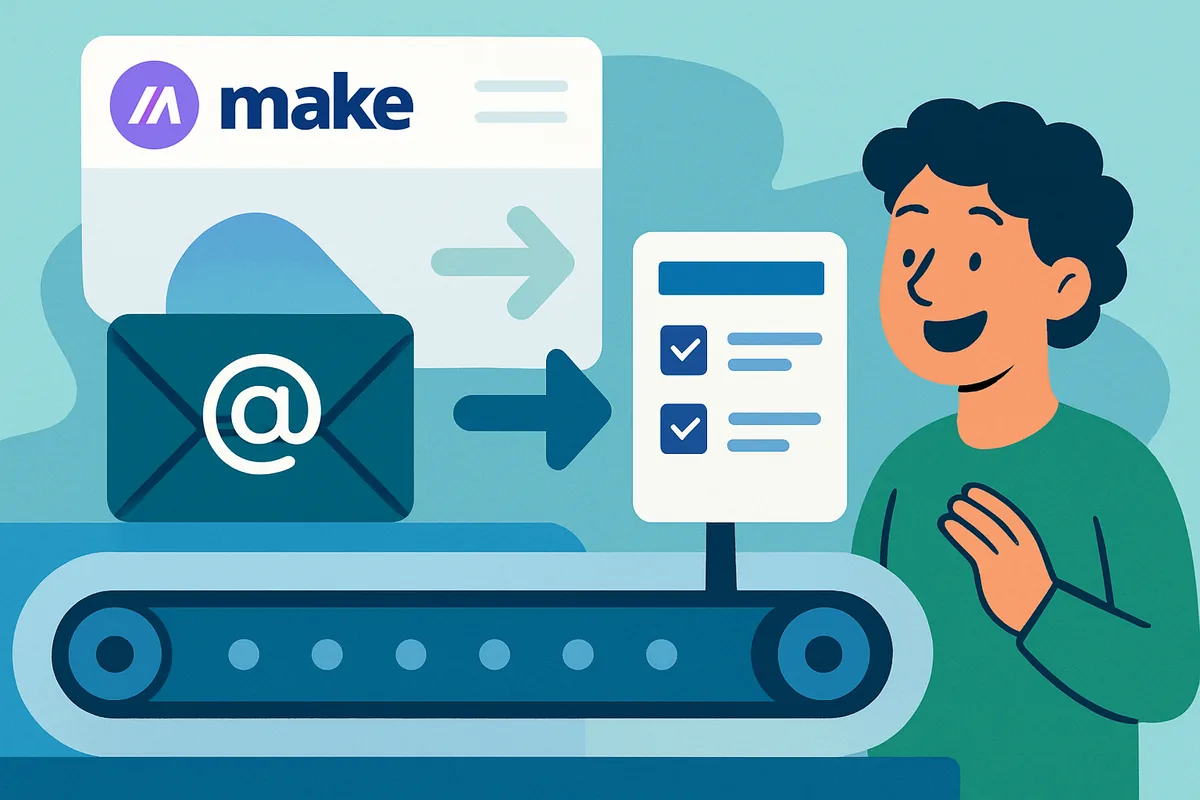
Build your first Make.com automation with this step-by-step guide to turning incoming emails into Trello cards, including filters and error handling tips.
May 18, 2025




















![Your First Make.com Automation: Turn Emails into Trello Cards [Step-by-Step Guide]](/content/images/2026/07/your-first-make-com-automation-turn-emails-into-trello-cards-step-by-step-guide.webp)